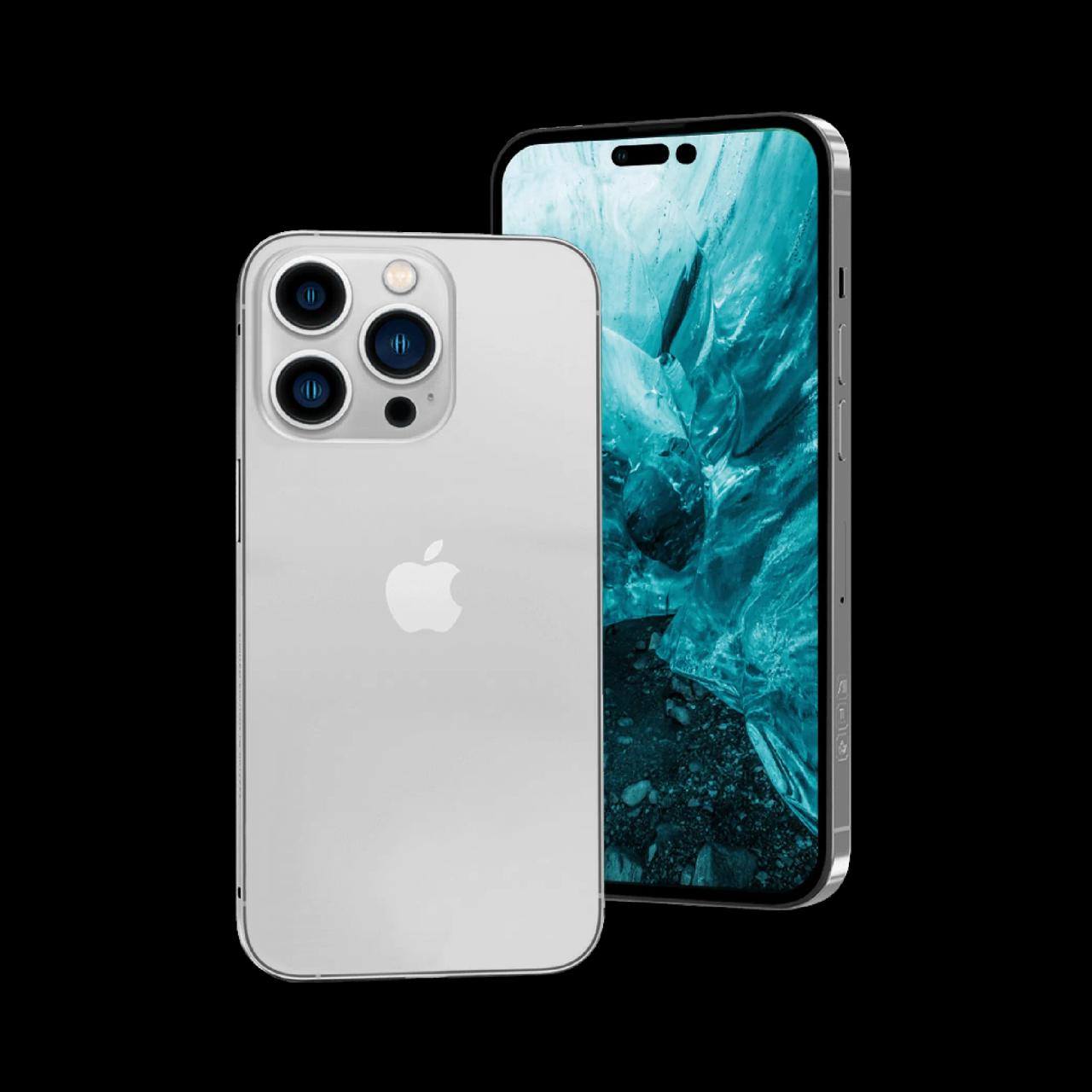
Before selling any iPhone, you must remove iCloud and turn off Find My — otherwise the phone stays Activation Locked and can't be set up by the buyer. It takes two minutes. Here's the complete guide.
Why this step is essential
Apple's Activation Lock ties the iPhone to your Apple ID. If you don't remove it, no buyer (including WorthyTen) can set the phone up — the sale can't complete until it's off. Doing it yourself also wipes your personal data.
Step-by-step
1. Back up — Settings → your name → iCloud → iCloud Backup, or back up to a computer
2. Sign out of iCloud — Settings → your name → scroll down → Sign Out (enter your Apple ID password to turn off Find My)
3. Erase the device — Settings → General → Transfer or Reset iPhone → Erase All Content and Settings
4. Remove the SIM card
After erasing, the iPhone restarts to the "Hello" setup screen with no Apple ID attached — exactly how it should be handed over.
If you forgot your Apple ID password
Reset it at iforgot.apple.com before the pickup — the phone must be signed out for the sale to complete.
FAQ
Do I have to remove iCloud before selling my iPhone?
Yes — sign out of iCloud and turn off Find My, or the iPhone stays Activation Locked and can't be resold.
Ready to sell your iPhone?
Once it's signed out, get your instant price and book a free doorstep pickup anywhere in Tamil Nadu. WhatsApp 9843010705 or call 9843010746 (10 AM–6 PM).
Ready to sell your device?
Get an instant price in 60 seconds. Free pickup anywhere in Tamil Nadu.
Check Your Device Price →