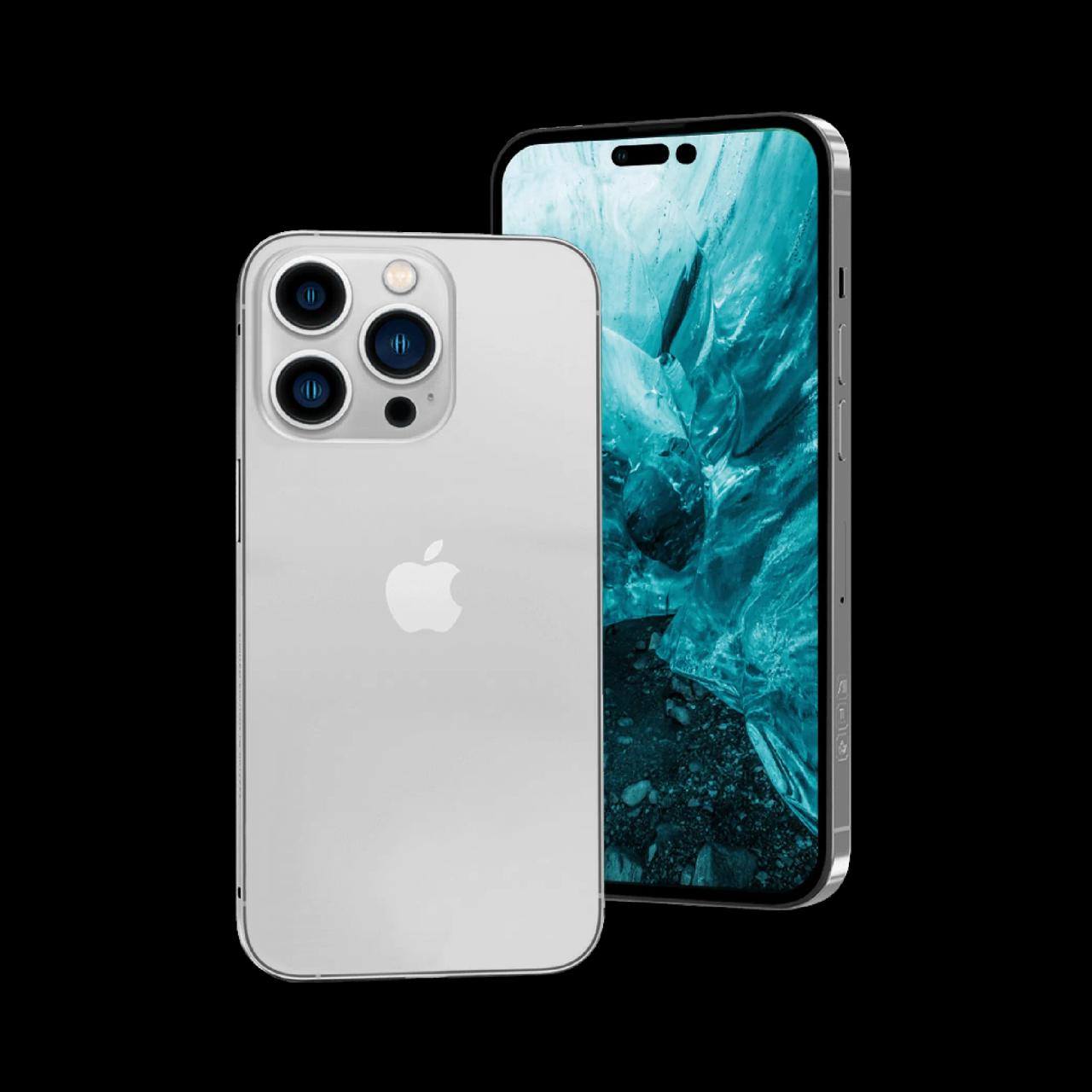
A second hand iPhone is one of the best-value phones you can buy — iPhones get software updates for years. These are the checks that separate a good buy from a costly mistake.
1. Activation Lock (iCloud)
This is the most important check. Go to Settings and confirm the previous owner has signed out of their Apple ID, and that Find My is off. An iPhone that is still locked to someone else's account is unusable.
2. IMEI
Dial *#06# to see the IMEI, and make sure it matches the box and the bill. A mismatch is a warning sign.
3. Battery health
Go to Settings > Battery > Battery Health. Higher is better; a low figure means you will need a battery replacement soon. Newer models also show the cycle count.
4. Parts and service history
On recent iOS versions, Settings > General > About shows whether the screen, battery or camera has been replaced, and whether the part is genuine.
5. Face ID or Touch ID
Set it up. If it fails, the phone may have been badly repaired.
6. Cameras, speakers and microphones
Take photos and video with every lens, make a call, and record a voice memo.
7. Screen
Look for dead pixels, lines, discolouration or "ghost" touches.
8. Charging and buttons
Charge it, and press every button. Check the SIM tray and mute switch.
Why buy refurbished instead of from a stranger
At WorthyTen every second hand iPhone is iCloud-free, fully tested and graded A / B / C for cosmetic condition. Grade A iPhones come with a battery guarantee (under 100 charge cycles), and every grade carries a 1-year warranty.
- Browse second hand iPhones
- Warranty details
- In Tamil Nadu? See iPhones in person in Chennai or Coimbatore.
Ready to sell your device?
Get an instant price in 60 seconds. Free pickup anywhere in Tamil Nadu.
Check Your Device Price →